Do Smart Thermostats Really Save Money? The Honest Math, Compatibility Traps, and When Programmable Wins
Introduction
As a contractor who's installed hundreds of thermostats over the years, I've seen homeowners get excited about the latest smart tech gadgets promising big energy savings. Smart thermostats like Nest, Ecobee, or Honeywell's lineup are everywhere, with ads touting 10-20% reductions in heating and cooling bills. But do they actually save money in the real world? The answer isn't a simple yes or no—it's more nuanced, involving upfront costs, your home's setup, and lifestyle habits.
In this post, we'll break down the math behind the savings, highlight compatibility traps that can turn a 'smart' upgrade into an expensive headache, and explore when a simpler programmable thermostat makes more sense. Drawing from on-the-job experience, I'll share practical tips to help you decide without the hype. Whether you're battling high utility bills or just curious about home automation, let's dive into the facts.
How Smart Thermostats Work and Their Promised Savings
Smart thermostats aren't your grandpa's basic dial controllers. They connect to Wi-Fi, learn your schedule via apps, and even adjust based on occupancy using sensors or geofencing. For example, if you're away at work, it ramps down the heat or AC, then preps the house before you return. Some models integrate with voice assistants like Alexa or Google Home for hands-free control.
The big sell is energy efficiency. Manufacturers claim average annual savings of $131 to $145 on heating and cooling, according to the U.S. Department of Energy. This comes from optimizing runtime—running your HVAC system only when needed—and features like humidity control or air quality monitoring that prevent overuse.
But here's the pro tip: These savings assume optimal use. If you forget to set schedules or ignore app notifications, you're not maximizing the tech. In my installs, I've seen savings vary wildly: 5-15% for busy families, but closer to 20% for remote workers who tweak settings daily. Start by tracking your current energy use with a simple bill audit—add up heating/cooling portions over a year to baseline your potential gains.
The Math: Crunching the Numbers on Costs vs. Savings
Let's get real with the dollars. A decent smart thermostat costs $150-$300 upfront, plus installation. If you're handy, DIY might add $20-50 in tools; otherwise, expect $100-200 for a pro install, especially if wiring needs updating.
Now, savings: Assume a U.S. average home spends $1,000 annually on heating and cooling (per EIA data). A 10% savings nets $100/year. At the high end (15-20%), you're looking at $150-200. Payback period? For a $250 unit with $150 install, that's 2-3 years at 10% savings, or 1-2 years at 20%. Not bad, but factor in ongoing costs: Wi-Fi data (minimal, but some models have subscriptions like Nest's $5/month for advanced features) and potential battery replacements ($10-20 every few years).
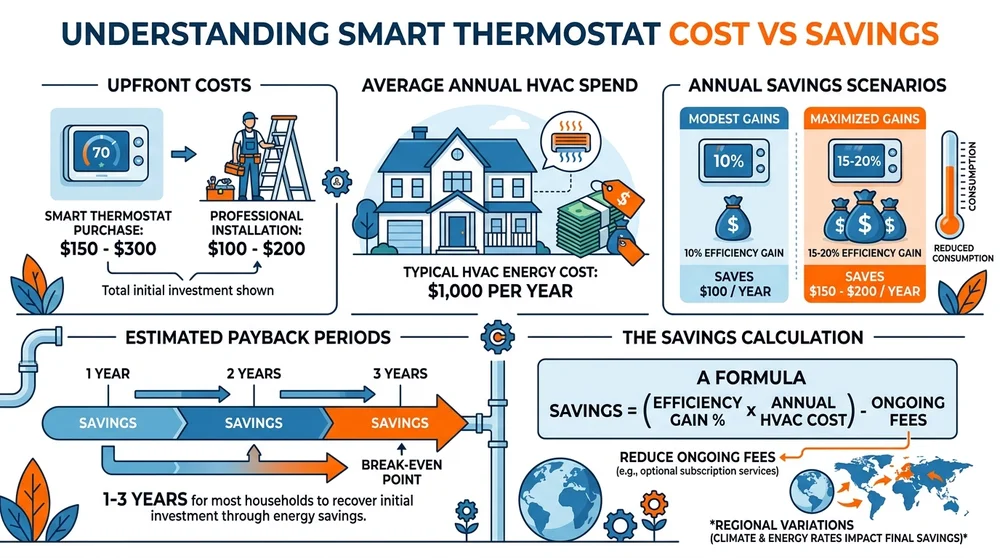
Hidden math trap: Regional differences. In milder climates like California, savings might be $50-100/year since HVAC runs less. In cold spots like Minnesota, it could hit $200+. Use online calculators from Energy Star or manufacturer sites, but plug in your specifics—square footage, insulation quality, and fuel type (gas vs. electric).
One client story: A 2,000 sq ft home in Texas swapped a basic thermostat for an Ecobee. Bills dropped $120/year, paying off the $280 total cost in under 2.5 years. But another in a small apartment saw only $40 savings—barely covering the gadget's price over time. The equation? Savings = (Efficiency Gain % x Annual HVAC Cost) - Ongoing Fees. Run your numbers; if payback exceeds 3-4 years, reconsider.
Compatibility Traps That Can Derail Your Savings
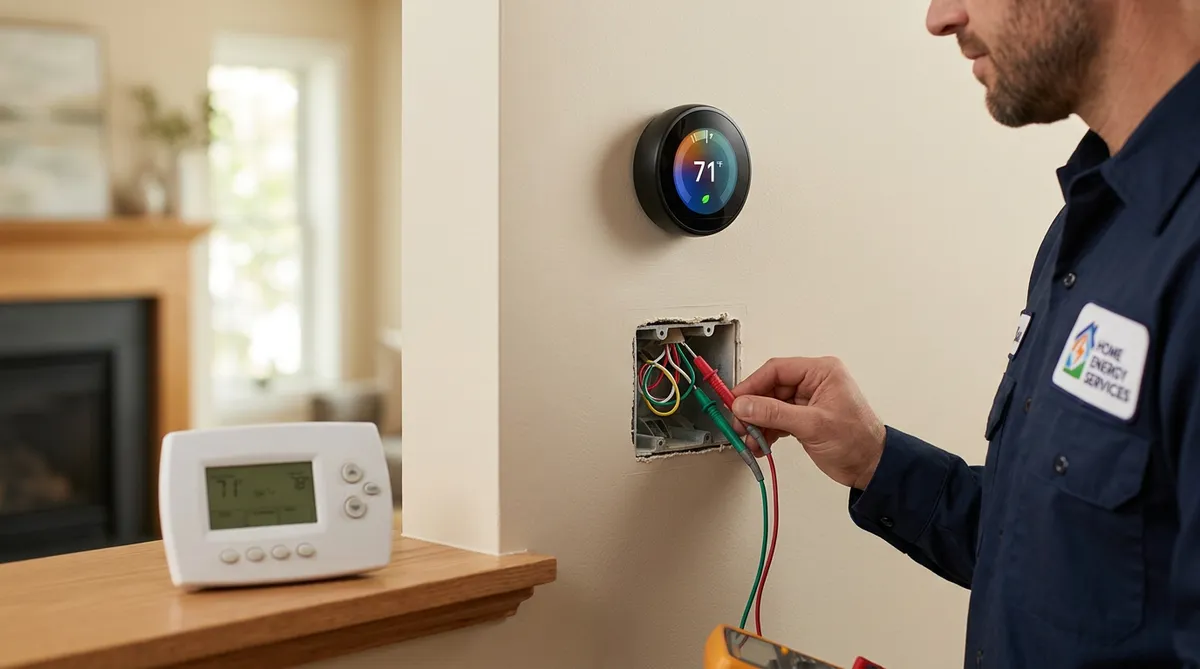
Here's where smart thermostats trip people up: Not every home is ready for them. Most require a C-wire (common wire) for constant power—older systems from the 80s or earlier often lack it. Without it, you might need a C-wire adapter ($20-50) or professional rewiring ($100-300), ballooning costs.
HVAC compatibility is another minefield. Smart models work best with modern furnaces, heat pumps, or central AC. But if you have a boiler, radiant floor heating, or zoned systems, check specs carefully. For instance, Nest requires a compatible power extender for some setups, adding $25 and install time.
Wi-Fi woes: These devices need strong signals. Thick walls or distant routers mean spotty connectivity, leading to manual overrides and lost savings. Pro advice: Test your signal strength at the thermostat location with a phone app before buying. If weak, add a Wi-Fi extender ($30-50).
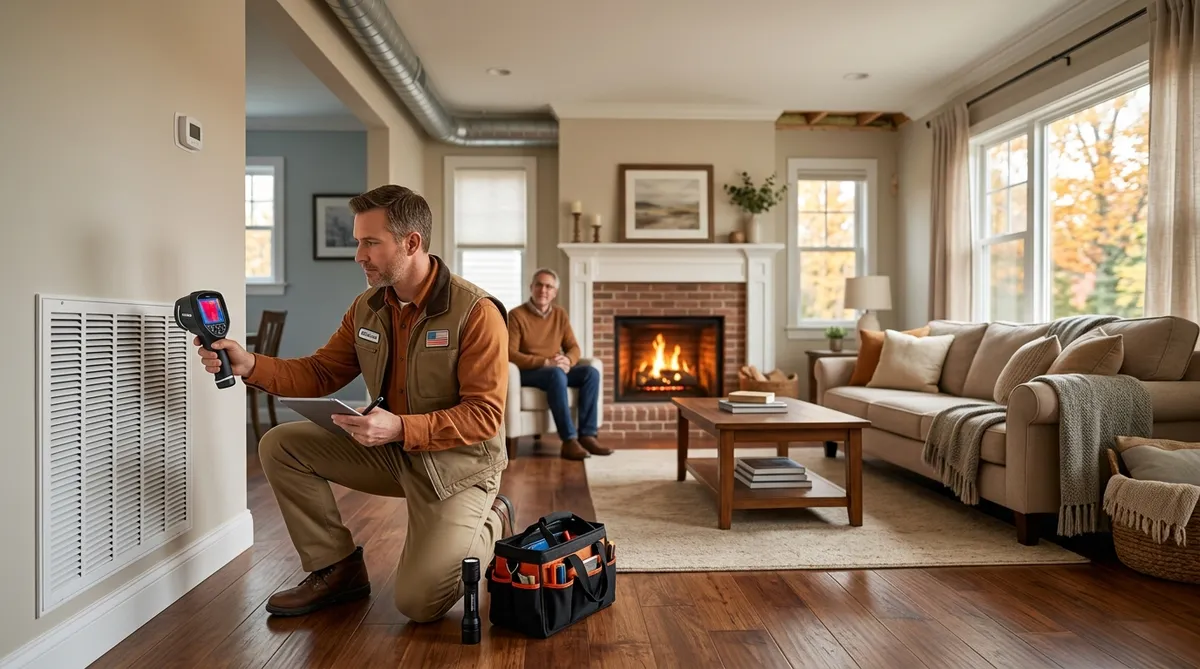
Line voltage systems (like baseboard heaters) are often incompatible without adapters, and multi-stage systems might not fully utilize smart features. Always verify with your model's compatibility checker online. I've pulled installs mid-job when discovering a missing C-wire—saved the client money by switching to programmable instead. Bottom line: Budget 20-50% extra for surprises, or have a contractor assess first.
When a Simpler Programmable Thermostat Makes More Sense
Not sold on smart? Programmable thermostats—set-it-and-forget-it models like Honeywell or Emerson—cost $30-100 and install in under an hour. No Wi-Fi, no apps, just weekly schedules you dial in. Savings? Similar 5-15% if used right, per DOE studies, without the tech overhead.
Choose programmable when: Your schedule is predictable (e.g., 9-5 job, no kids' activities varying daily). Smart learning shines for irregular routines, but if you're consistent, why pay more? Budgets under $200 total? Skip smart. Older homes without easy wiring upgrades? Programmable avoids compatibility hassles.
In rentals or flips, programmables are low-risk—no app dependencies if Wi-Fi changes. Energy savings math: Same 10% on $1,000 bills = $100/year, payback in months. A client in a 1950s bungalow couldn't add a C-wire without tearing into walls; we went programmable for $60, saving $80/year—ROI in under a year.
Pro tip: Look for models with temporary overrides and vacation modes. Set base schedules (e.g., 68°F day, 62°F night in winter) and adjust seasonally. They're reliable, no batteries to die mid-blizzard, and integrate with basic smart plugs if you want minimal automation later.
Real-World Tips from Contractors for Maximizing Any Thermostat
From the field, here's actionable advice:
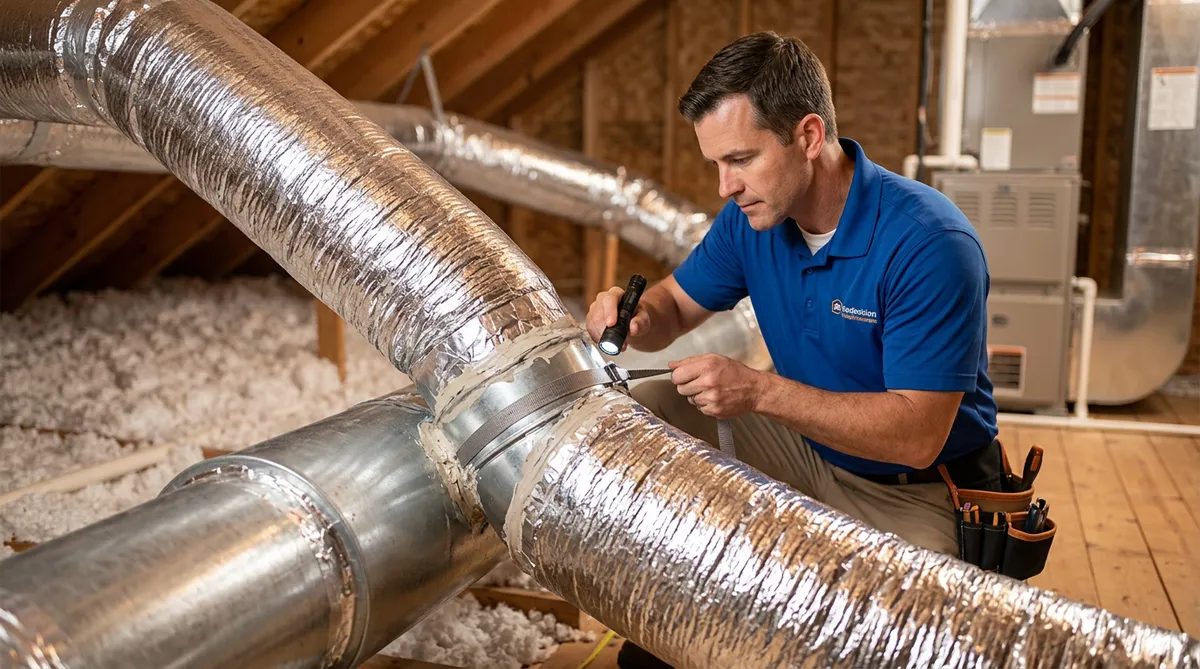
Insulate First: Thermostats can't save what poor insulation wastes. Seal ducts, add attic insulation—could boost savings 20-30% regardless of model.
Maintenance Matters: Dirty filters or low refrigerant slash efficiency. Change filters monthly; schedule HVAC tune-ups yearly ($100-150) to ensure your thermostat's optimizations work.
Zone It Up: For multi-story homes, consider zoning kits ($200-500) with any thermostat to heat only occupied areas.
Track and Tweak: Use utility apps or a Kill-A-Watt meter to monitor post-install. Adjust setpoints: 1°F lower in winter saves 3% on heating.
Rebates and Incentives: Check Energy Star for $50-100 rebates on qualified models. Local utilities often subsidize smart installs.
One more: If going smart, start with a mid-range like Ecobee ($200), which includes remote sensors for even room control—better than basic Nest for uneven homes.
Wrapping Up the Verdict
Smart thermostats can save money—potentially $100-200/year—if your home's compatible and you engage with the features. But the math doesn't always add up for everyone, especially with compatibility snags pushing costs over $500. For straightforward needs, a programmable model delivers solid savings at a fraction of the price and hassle.
Ultimately, assess your setup: Run the numbers, check wiring, and consider your habits. As contractors, we recommend starting simple and upgrading if needed. Your wallet (and comfort) will thank you.